“There’s rumble under my flute.”
Low Cut clears the low rumble from under the flute.
More about Low Cut
Handling noise, mic pops, traffic and air conditioning all live down there.
Range 20–600 HzStarts at 80 Hz
Set it just below your lowest note.
Here’s a little info on how to use our controls. Tap a on the plugin to see what each one does, and to hear it.
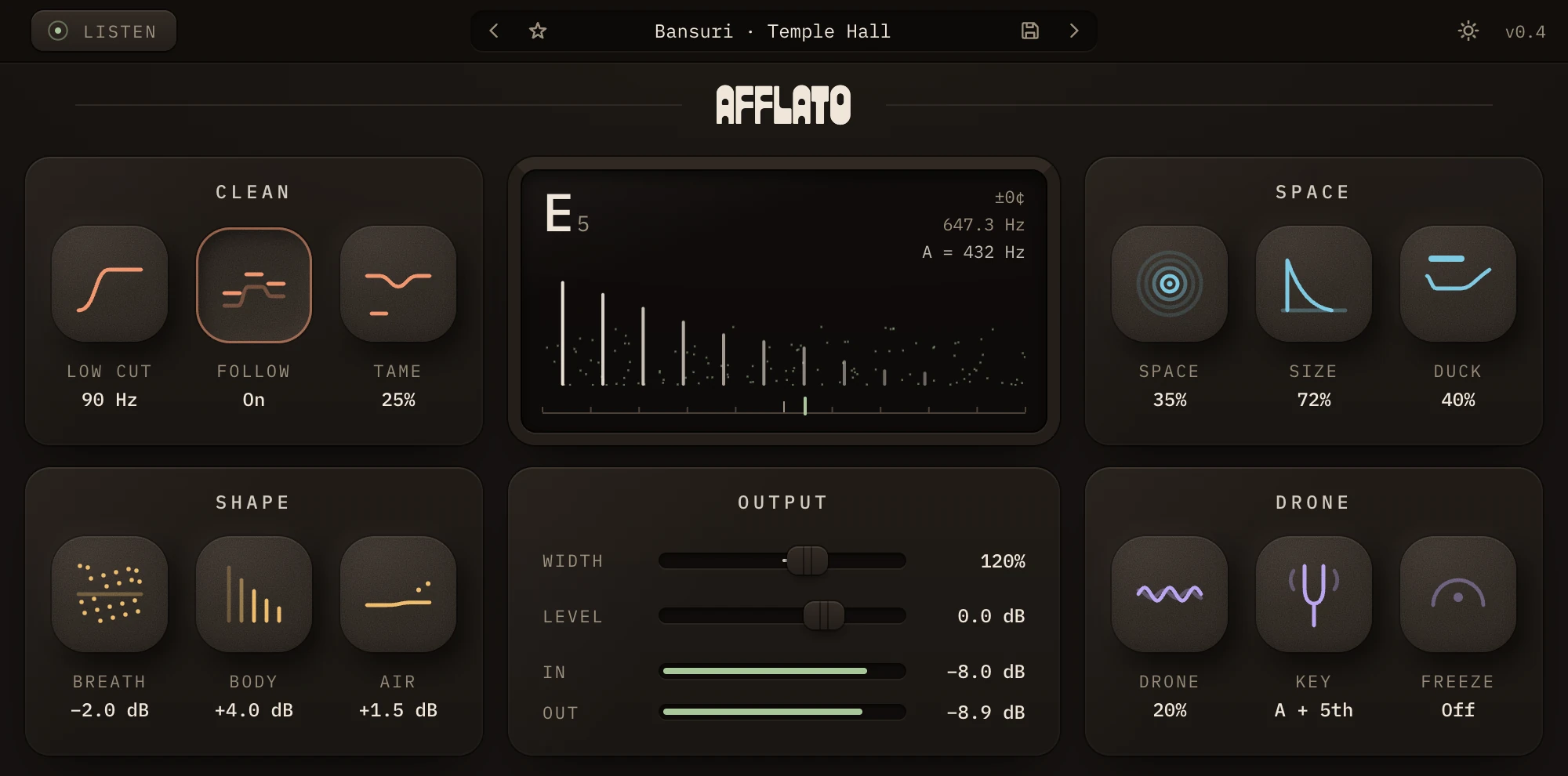
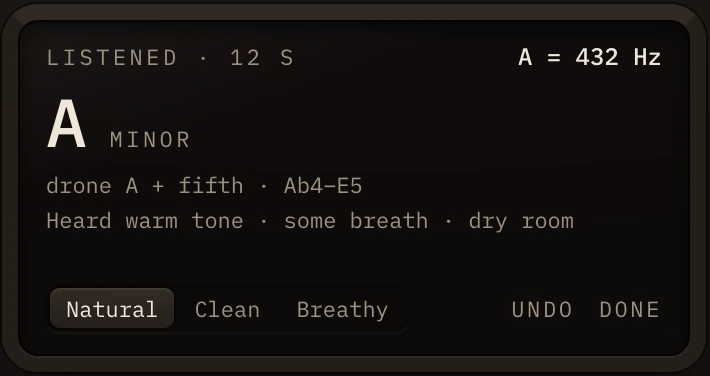
Most of the time, it’s all you need. Press Soundcheck, play a phrase or two, and Afflato listens, then sets every control for your flute.
It needs about eight seconds of notes and finishes on its own. Press it again to finish sooner, once it has heard three.
When it’s done, the screen says Set for your flute and shows what it heard: the key and a drone that suits it, the A your flute is tuned to, the range you played, and your tone. If it offers a second key, click it to move the drone there.
Undo brings back your settings from before; Done keeps the new ones. If it can’t hear a flute, check that the track is playing through Afflato and try again.
Find what’s bothering you. Each fix is one control, and you can hear it right here.
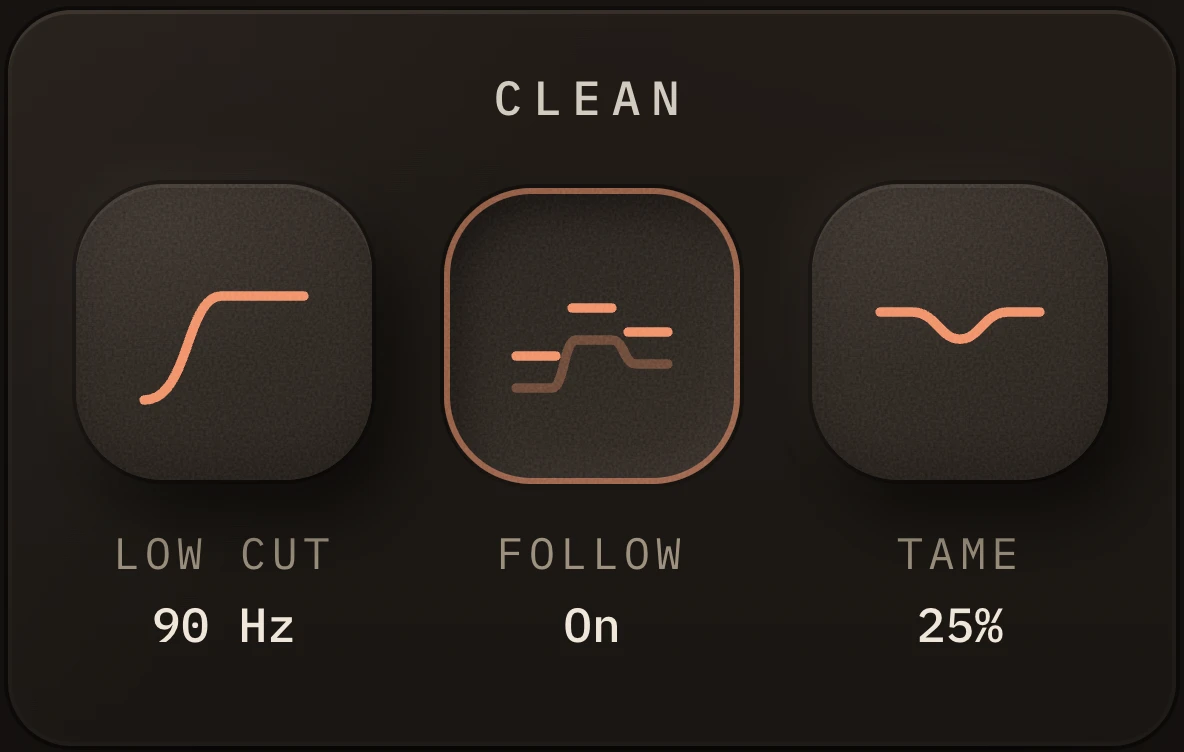
Low Cut clears the low rumble from under the flute.
Handling noise, mic pops, traffic and air conditioning all live down there.
Range 20–600 HzStarts at 80 Hz
Set it just below your lowest note.
Follow moves the low cut with you, an octave under each note you play.
So noise never reaches the low end, however the melody moves.
On or offStarts off
Tame softens piercing high notes, only at the moments they turn harsh.
Everything else keeps its brightness.
Range 0–100%Starts at 30%
The short line in the pad shows how much it’s taking. Raise it if high passages make you wince.
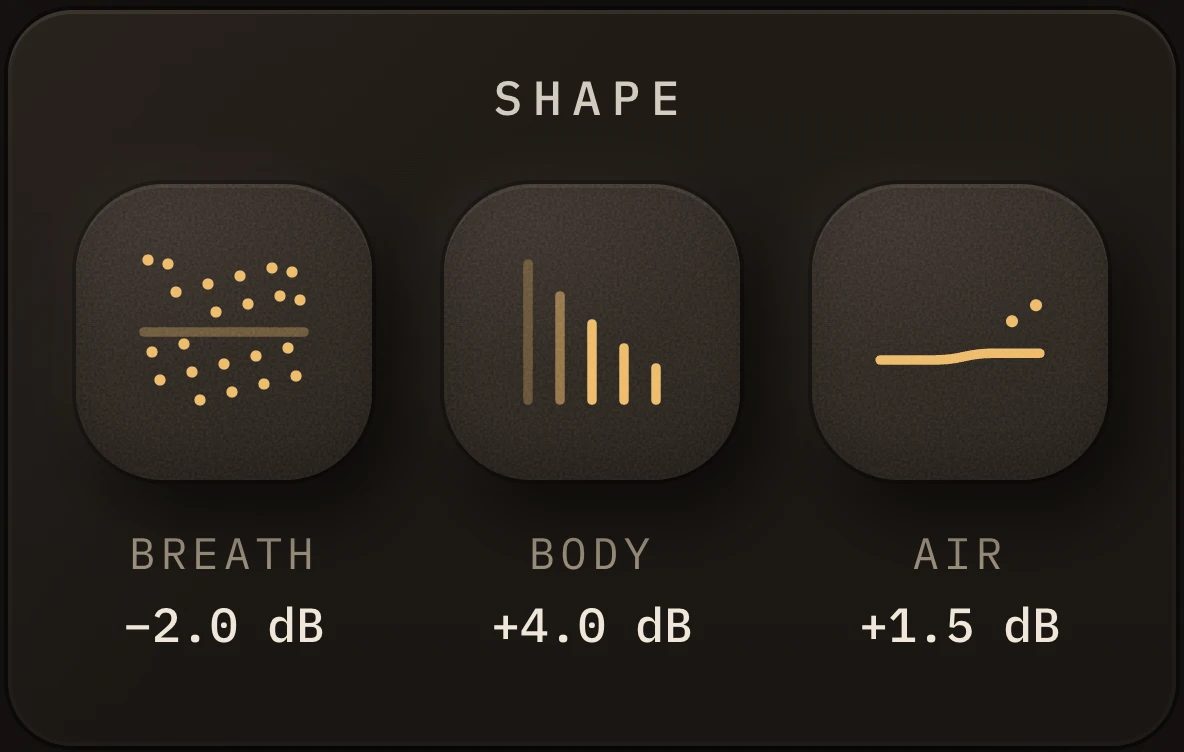
Breath turns the air in your sound up or down, apart from the note.
Less for a rounder, cleaner tone; more for something close and breathy. The note stays as bright as it was.
Range −24 to +12 dBStarts at −3 dB
A little breath sounds alive. Take it down until the air stops drawing your attention, and stop there.
Body adds weight to whatever note you’re playing.
Warmth that moves with you, not a boost at one fixed spot.
Range −12 to +12 dBStarts at +2 dB
Air adds an open, high shimmer above the breath, like a light polish.
Range −12 to +12 dBStarts at +2 dB
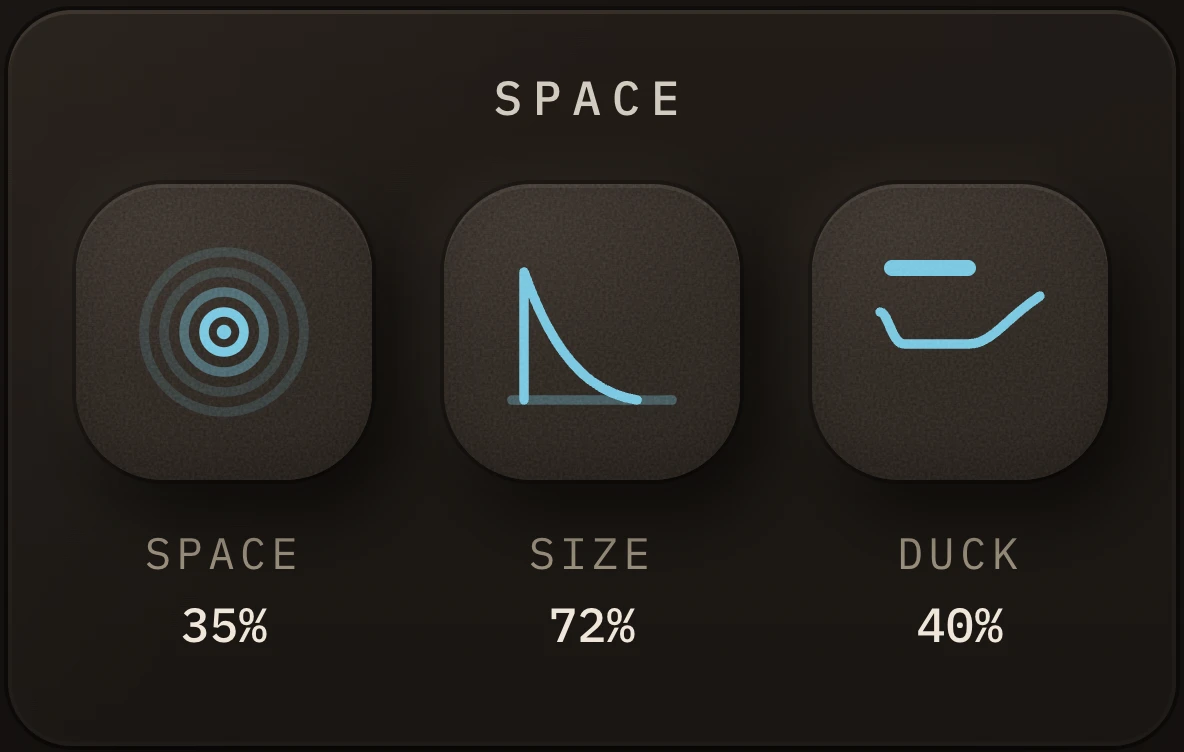
Space sets how much of the room you hear around the flute.
Up to halfway, your flute stays at full level and the room is added; past halfway, the room takes over.
Range 0–100%Starts at 20%
Size goes from a small room to an enormous hall.
Bigger rooms ring longer and darker, with a little more movement.
Range 0–100%Starts at 50%
Duck pulls the room back while you play and lets it bloom in the gaps.
So a big space never smears your notes.
Range 0–100%Starts at 30%
For fast playing in a big room, raise Duck before you lower Space.
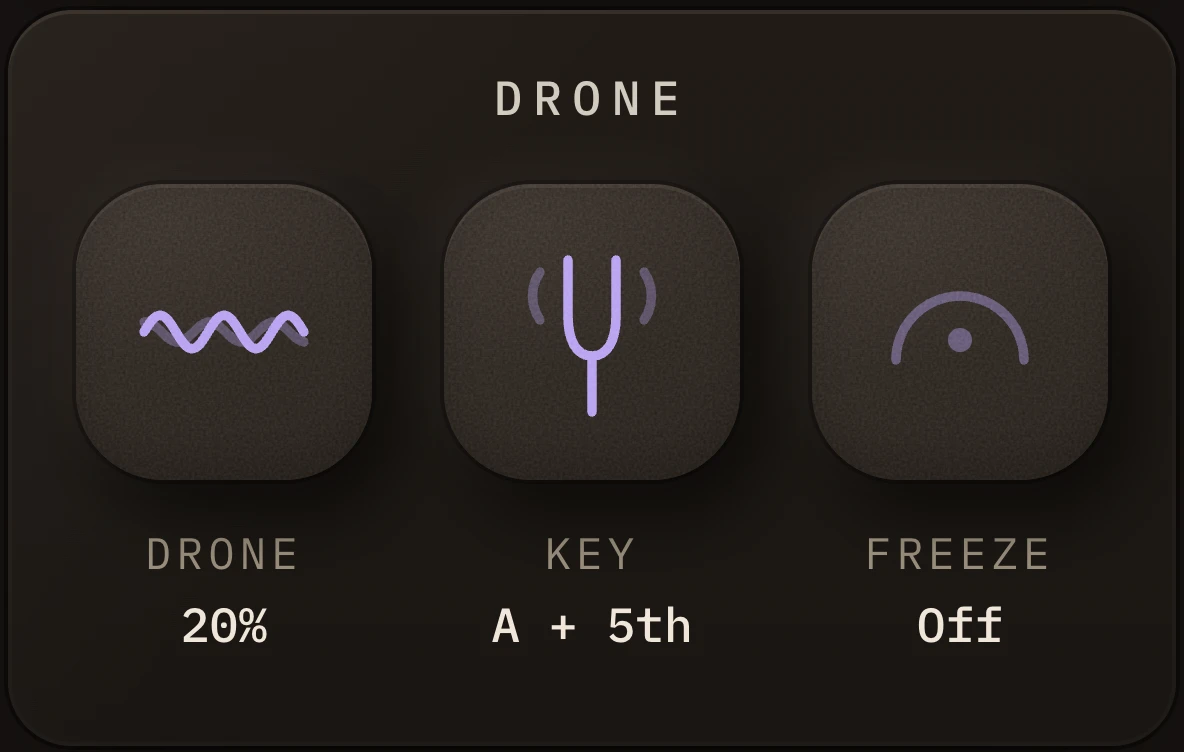
Drone adds a long, slowly shifting wash made only from your notes.
Not your breath: think of the hum of a tanpura or a shruti box.
Range 0–100%Starts at 0%
Key tunes the drone to your music.
A home note with its fifth, its fourth or octaves, at the A your flute is tuned to. Soundcheck sets both; Free lets the drone follow your notes instead.
Click the key to choose another, or drag across it. Tuning moves ±50 cents around A = 440 Hz (432 Hz is about −32); double-click it for 440.
Free, or C to BWith its fifth, fourth or octaves
Freeze holds the drone exactly as it is, so you can play over it.
Let go and it follows you again. In the clip, Freeze goes on six seconds in: listen to the end, where it keeps ringing.
On or offStarts off
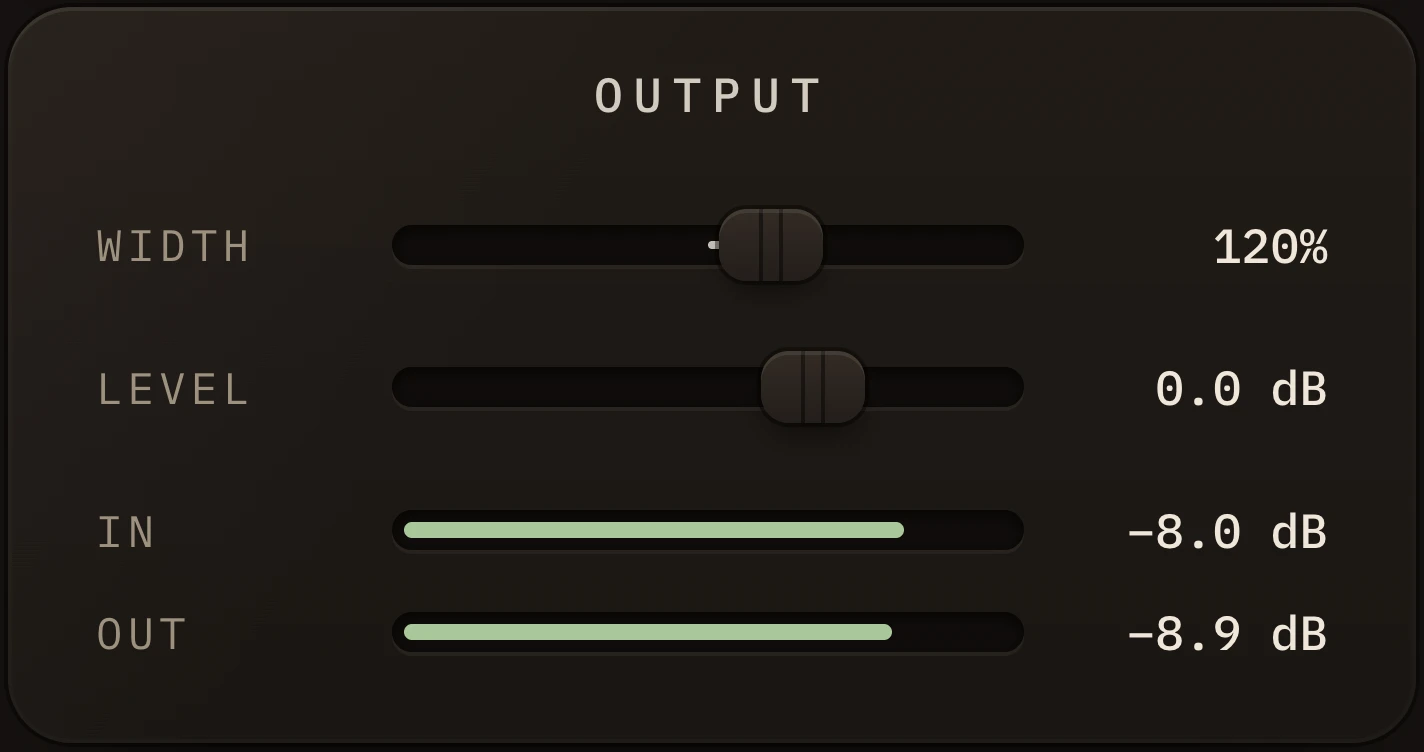
Width sets how wide the flute sounds across your speakers or headphones.
From one point in the middle to wider than the room. It still holds up on a phone speaker.
Range 0–200%Starts at 100%, as recorded
Level sets the final volume coming out.
The In and Out meters turn red at 0 dB, the point where the sound would clip. Turn Level down until they stay out of the red.
Range −24 to +12 dBStarts at 0 dB
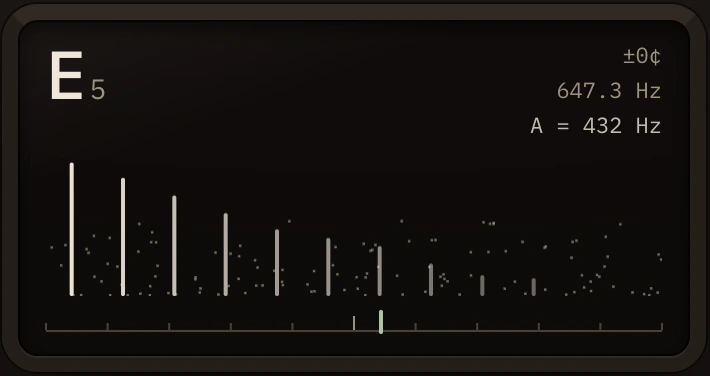
Shows the note you’re playing, live.
Its name, how far off it is in cents, and its pitch in hertz. Below, each harmonic is a line as tall as it is loud, and the breath is the fine grain between them.
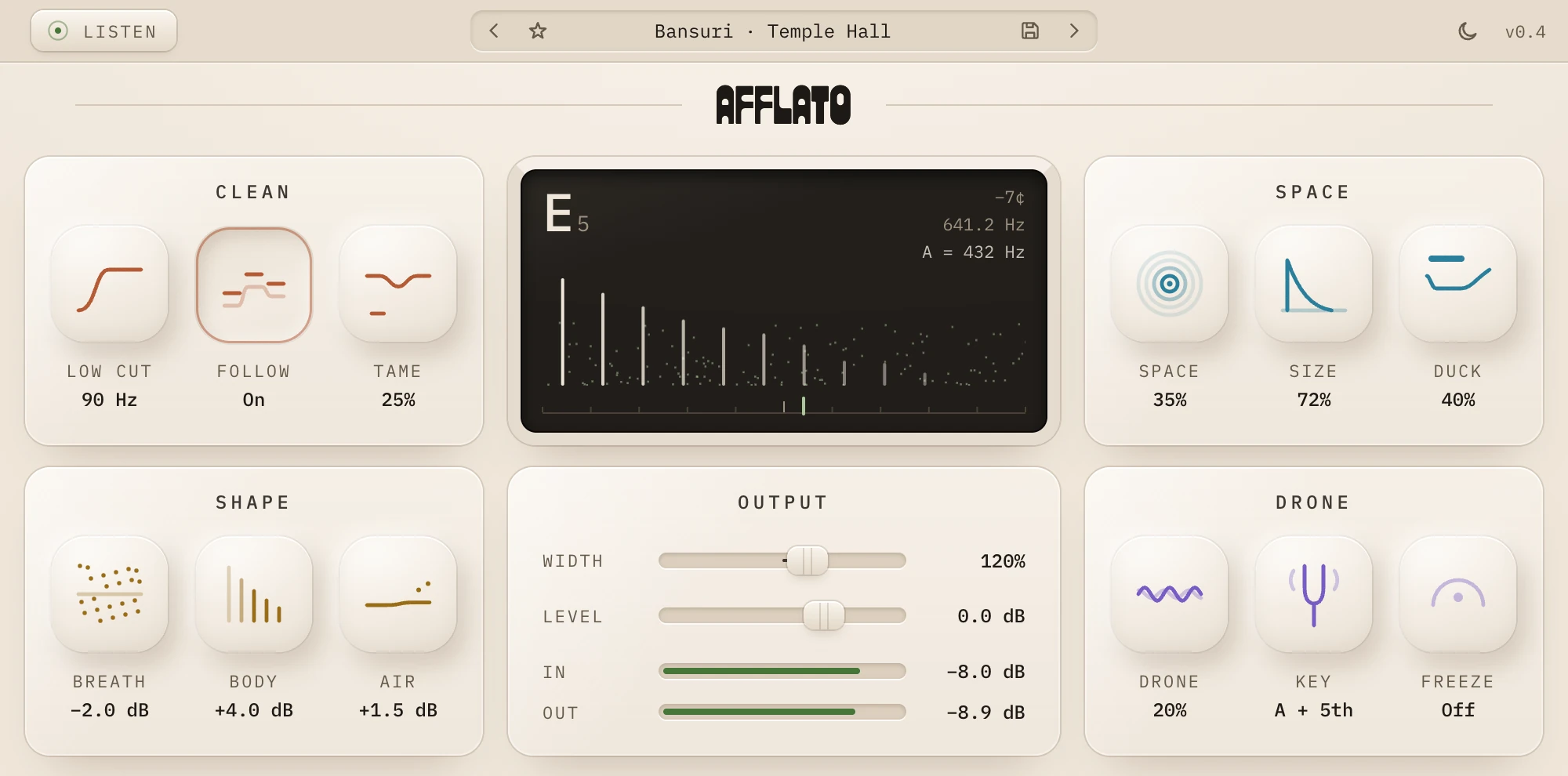
The sun and moon at the top right switch the plugin between its two finishes.
The screen stays dark in both, so the note is always easy to read.
Concert Flute · StudioBansuri · Temple HallQuena · Mountain AirNative Flute · CanyonDrone BedDry & Clean
Starting points for different flutes and moods.
Step through them with the arrows, or click the name for the list. Save your own with the disk, and star the ones you love.
They leave your tuning and the drone’s key alone.